Photo Editing-Week 3
Welcome back to week three of my photo editing experience. This week was an easier week with the state golf going on. My plan for this week was to research some new software I could use to help me get more out of my edits.
I started my research by looking up free software for both my phone and computer. Because I was looking for free software, I needed to be careful when choosing my programs. The software had to meet a few different requirements. First, it had to be easy to navigate and use. Second, it had to be able to share photos directly to my computer. Finally, it had to have tools that my previous apps did not possess.
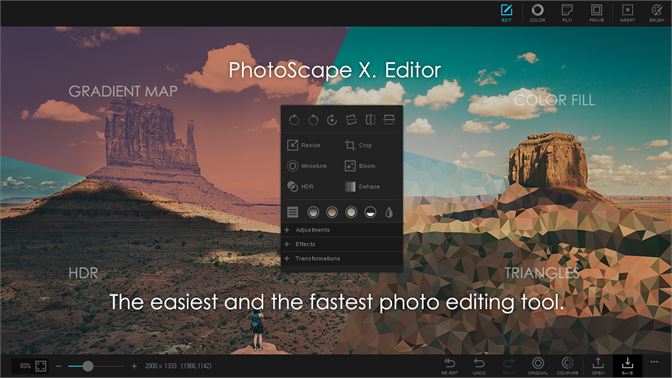
This is the software I have chosen to use on my iMac. After watching multiple YouTube videos I have become familiar with the software, and I am excited to get started with my first real editing software.

Picsart is the app that I will use to edit photos on my phone, and I used YouTube videos to become familiar with the software as well.
Next week I will use the software to recreate the images I edited in Weeks 1 and 2. The main focus will be to use my new tools to add several new features to my images.

Editing photos seems like a cool and useful skill to have! Do you think editing things on your phone will be more difficult to do? Also, are you editing photos you have taken yourself?
ReplyDeleteThis seems like quite a process! I'm always fascinated at photo edits and how perception can be changed, lighting can be made lighter/darker, and how objects can be inserted or taken out of an image. Is it hard to find reliable software that's free? Keep up the good work, and I look foward to seeing more!
ReplyDelete